


 English (EN)
 Русский (RU)
 Українська (UK)
 español (ES)
 Türkçe (TR)
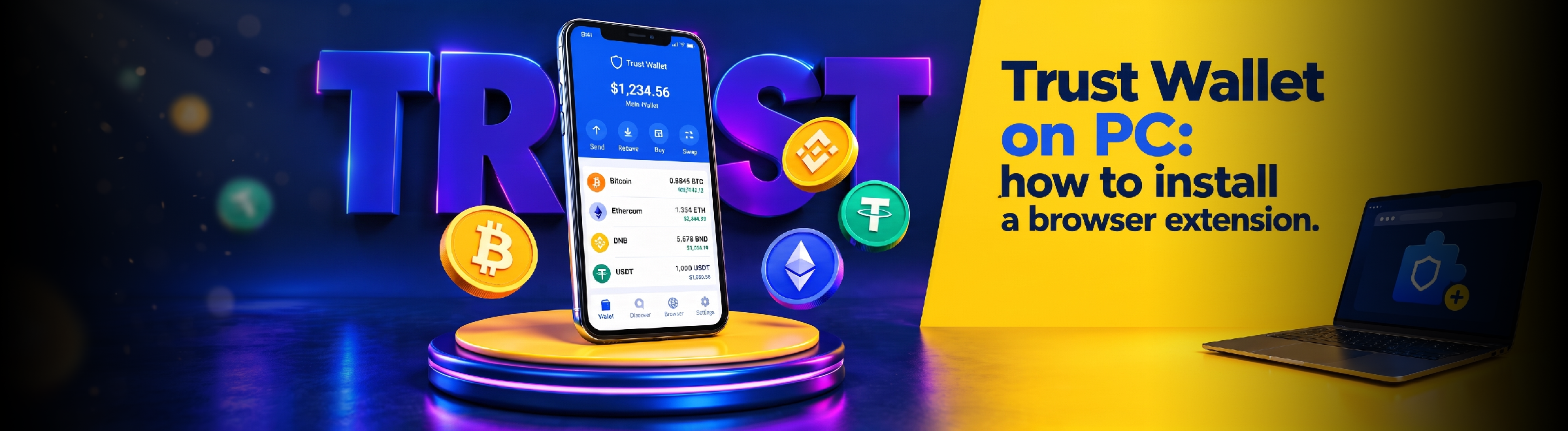

Trust Wallet on a Computer Without a Separate App: Step-by-Step Browser Extension Installation and How to Connect an Existing Crypto Wallet
On PC, Trust Wallet operates via an official browser extension. There is no separate Windows application: the extension is installed via the Chrome Web Store and used in a compatible browser.
Can You Install Trust Wallet on a Computer
Yes. On Windows, macOS, and other desktop operating systems, Trust Wallet is used via a browser extension. There is currently no separate EXE or MSI application for Windows.
For Windows 10 and Windows 11, a separate version is not needed: Trust Wallet runs through the same extension in a compatible browser.
For phones, a mobile app is used, so Trust Wallet on Android and iPhone is installed separately via Google Play, the App Store, or the official APK.
How to Download and Install the Trust Wallet Extension
It is best to start the installation from the official Trust Wallet extension page, rather than searching through software directories or advertisements.
- Open trustwallet.com/browser-extension.
- Click the extension download button and proceed to the Chrome Web Store.
- Verify the extension name and developer page.
- Add the extension to your browser.
- Pin the Trust Wallet icon to your browser toolbar.
- Open the extension and set a local password.
- Create a new wallet or add an existing one.
If you need the same addresses and assets on your computer as on your phone, add an existing wallet instead of creating a new one. For a standard wallet, transferring to a new device is done using saved recovery data; how to transfer Trust Wallet to another phone is covered separately.
In Which Browsers Does Trust Wallet Work
Chrome and Brave
Trust Wallet supports Chrome and Brave. The extension is installed via the Chrome Web Store and, once installed, works like a regular browser extension.
Edge and Opera
Microsoft Edge and Opera are built on Chromium and support Chrome extensions. Trust Wallet works in them via the extension from the Chrome Web Store; it is best to install it by navigating from the Trust Wallet website.
Firefox and Yandex Browser
There is currently no separate Trust Wallet extension for Firefox. You should not install extensions with similar names from third-party Firefox add-on directories.
Yandex Browser is based on Chromium, but there is no separate version of Trust Wallet for it. If the Chrome extension does not install or works unstably, it is better to use Chrome, Brave, Edge, or Opera.
What Can You Do in the Trust Wallet Extension
The extension is designed not only for storing cryptocurrency. Through it, you can:
- add and manage multiple wallets;
- send and receive supported assets;
- work with over 100 blockchain networks;
- swap tokens and use available Web3 features;
- connect to dApps and sign transactions in the browser;
- connect a hardware wallet;
- use multi-wallet to manage multiple wallets in one interface.
The set of features in the extension and the mobile app may differ. To understand how Trust Wallet works in general, it is better to separately review the overall operating principles of the wallet, and use this page specifically for the browser extension.
H2 How Trust Wallet on PC Differs from the Mobile App
The mobile app is more convenient for constant access from a phone, QR codes, and operations in a mobile environment. The extension is focused on desktop work, especially when a dApp or Web3 service is already open in the same browser.
The interface and availability of individual features may vary. What is available in the mobile app is not necessarily in the same place or accessible in the extension.
The exact same standard wallet can be used on both a phone and a computer if properly added to the second device. However, each additional device becomes another point that needs to be secured.
How to Use Trust Wallet Safely on PC
Install the extension only through the official Trust Wallet website and keep it up to date. This is especially important following the Browser Extension 2.68 incident: on December 24, 2025, a malicious version was published in the Chrome Web Store outside of the standard Trust Wallet release process.
For safe operation:
- verify the trustwallet.com domain before proceeding to the extension store;
- do not download EXE, MSI, or ZIP files under the guise of Trust Wallet Desktop;
- do not enter your seed phrase on websites, in support chats, or pop-up forms;
- use a dedicated password for the extension and lock your computer;
- update your browser, operating system, and the extension itself.
If the extension suddenly prompts for your recovery phrase without you initiating a wallet import yourself, do not proceed with the operation. First, verify the source of the extension and current Trust Wallet announcements.
Conclusion
On a computer, Trust Wallet is used via a browser extension rather than a standalone Windows application. For the most predictable installation, start from the official website and use the current version of the extension.
Trust Wallet works in Chrome, Brave, Edge, and Opera via the extension from the Chrome Web Store. For other Chromium browsers, compatibility is best verified separately.
FAQ
-
Is there a Trust Wallet Web?
There is no regular web login for Trust Wallet via email and password. On a computer, the wallet is used through a browser extension. Websites that offer to "synchronize Trust Wallet" by entering a seed phrase must never be used.
-
Can I use the same Trust Wallet on a phone and a computer?
Yes. If you add an existing wallet to the official extension, you can work with the same addresses and assets on your computer. Creating a new wallet will result in different addresses.
-
Do I need to enter a seed phrase to install the extension?
No. A seed phrase is not required to install the extension itself. It may only be needed during the intentional recovery or import of a standard wallet within the official extension.
-
What should I do if the Trust Wallet extension is not working?
First, update your browser and the extension, then restart the browser completely. If a reinstallation is required, make sure your recovery data is backed up, and install a new copy only through the official Trust Wallet website.