 English (EN)
 Русский (RU)
 Українська (UK)
 español (ES)
 Türkçe (TR)


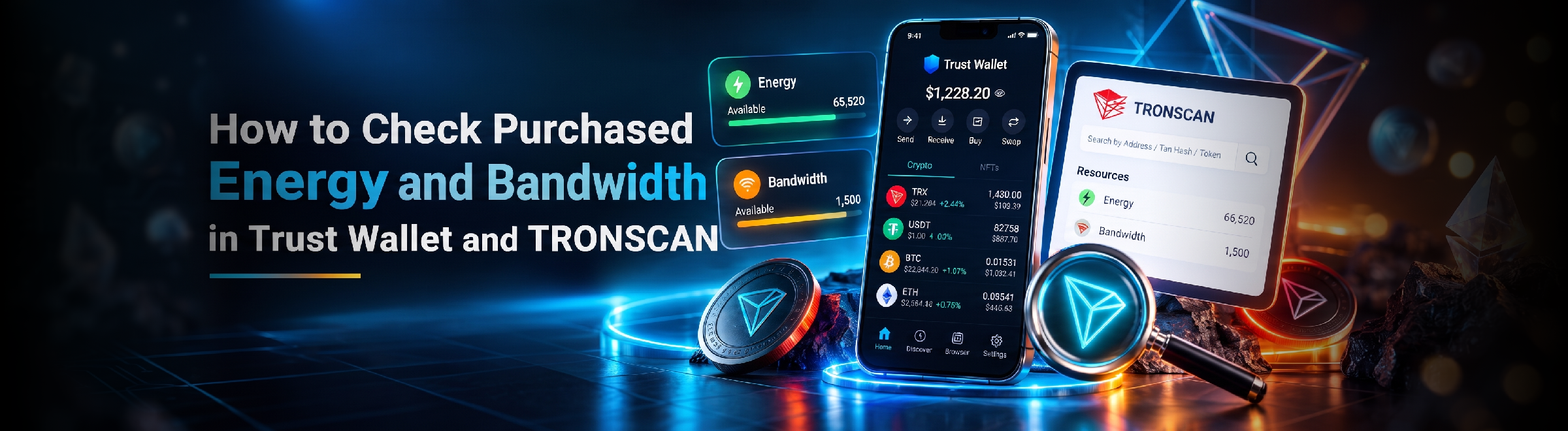
How to Check Purchased Energy and Bandwidth in Trust Wallet and TRONSCAN
How to Make Sure Energy Has Actually Been Added to Your TRON Address? Check Your Resources in Trust Wallet and TRONSCAN in Just a Few Steps
2026-09-14
181




Support
Authorization is required only to use the service «Team energy»
Ваш аккаунт заблокирован. За детальной информацией обращайтесь в службу поддержки.
Enter the e-mail you provided during registration and we will send you instructions on how to reset your password.
An error occurred while processing your request. Please try again later. If the problem persists, please contact our support team.
How to Withdraw USDT from Trust Wallet and Receive Money on a Bank Card? 4 Methods, Fees, Processing Times, and Safe Transfer Rules
To withdraw USDT or other cryptocurrency from Trust Wallet to a card, you need to sell it for fiat. This can be done via the "Sell" feature, an exchange, P2P, or an exchange service; availability depends on the asset, network, and region.
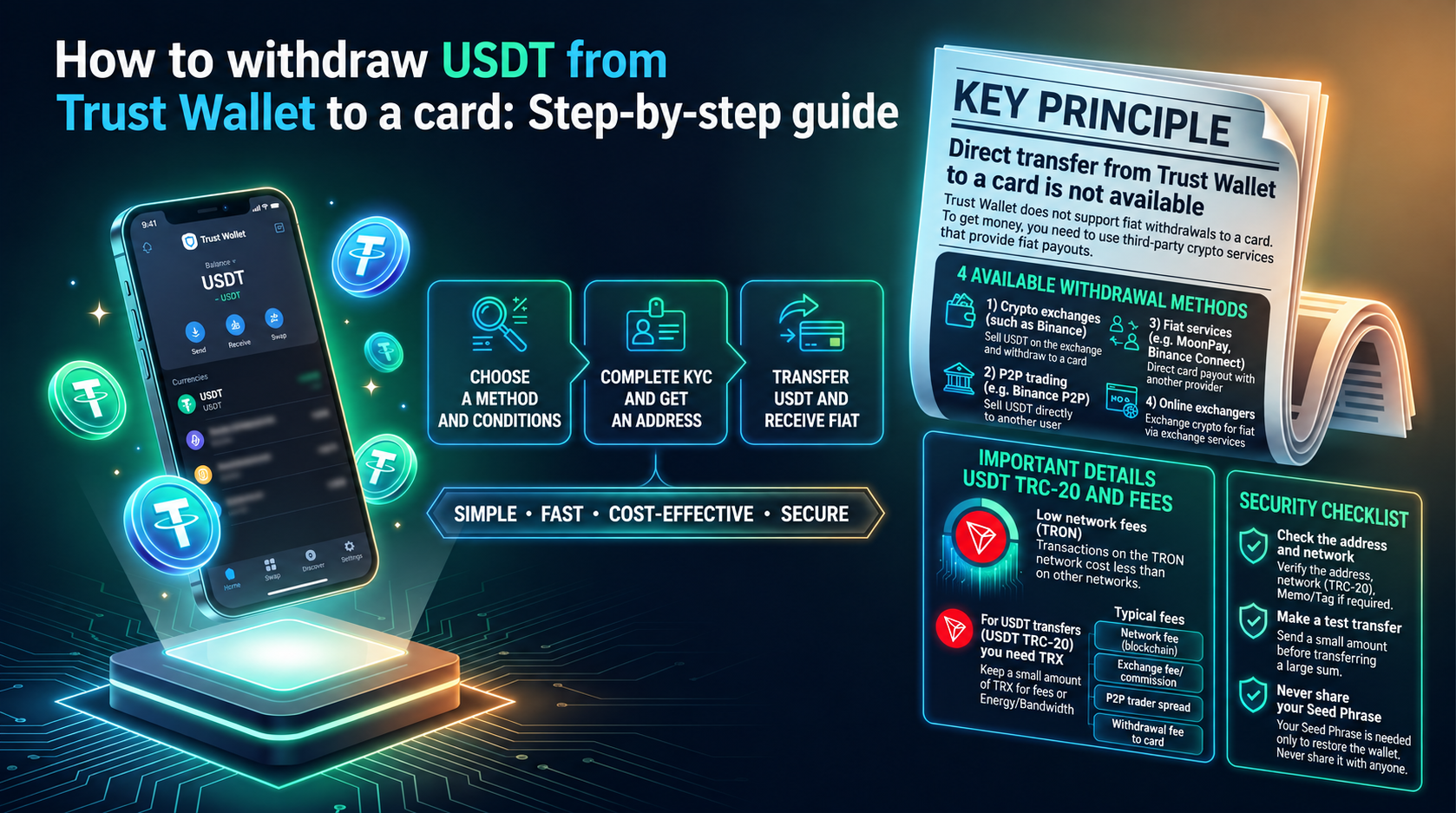
Trust Wallet itself is not a bank and does not hold a fiat balance, so there is no regular "wallet-to-card" bank transfer. To receive dollars, euros, or other currencies, cryptocurrency must be sold through a service that supports fiat payouts.
In the app, for certain assets and regions, the "Sell" feature is available. It works through third-party fiat withdrawal providers: Trust Wallet shows available options, while the sale of cryptocurrency, user verification, and payout are executed by the selected provider.
If the "Sell" feature is unavailable for the desired asset or network, cryptocurrency can be sent to an exchange, a P2P platform, or an exchange service, and swapped for fiat there.
If the goal is to receive money to a card, the general procedure is as follows:
Before sending, compare the exchange rate, fees, minimum amount, and the final amount to be received. If the network of the deposit address does not match the sending network, the transfer may not be credited, and recovering funds is not always possible.
The "Sell" feature is convenient because the sale starts directly from the wallet interface. For a supported asset, you need to open it, select "Sell," specify the amount, and continue through one of the available providers. Button names and the set of partners may change after updates.
Fiat is processed not by Trust Wallet, but by a third-party provider. It determines available currencies, payout methods, limits, fees, and KYC requirements.
An exchange is suitable if it accepts the desired cryptocurrency and network, allows you to sell the asset for fiat, and withdraw money to a card or bank account.
Usually, the user gets a deposit address on the exchange, transfers cryptocurrency to it from Trust Wallet, waits for it to be credited, sells the asset, and initiates a bank withdrawal. Before transferring, check the minimum deposit, network, and the platform's verification requirements.
P2P allows you to sell cryptocurrency to another user and receive payment via bank transfer or another available method. Trust Wallet supports P2P via Binance Connect in eligible regions; the transaction continues through Binance, so an account and verification may be required.
In P2P, you must not confirm receipt of payment based on a screenshot or a message from the buyer. The transaction should only be completed after the funds actually arrive in your bank account or card.
An exchange service accepts cryptocurrency and sends fiat to the specified bank details. This option can be convenient if built-in selling or a suitable bank withdrawal via an exchange is unavailable.
Before creating a request, check the service's reputation, supported network, exchange rate, fees, limits, and processing time. For the first use, it is wise to start with a small amount if the service's conditions allow.
USDT TRC-20 is Tether on the TRON network. If you send such tokens to an exchange or another service, the TRON network must also be selected on the recipient's side.
If the platform provided a TRON deposit address, sending USDT TRC-20 from Trust Wallet is executed exactly to this address. Before confirming, compare the first and last characters of the address and double-check the network.
For the outgoing transfer, TRON resources are used — Energy and Bandwidth. If they are insufficient, network expenses can be covered by TRX. Receiving USDT in Trust Wallet itself and subsequently selling it for fiat are separate operations. If it is more convenient to keep a supply of coins for network expenses, buying TRX for USDT in Trust Wallet is covered separately.
Do not send USDT TRC-20 to a USDT deposit address on Ethereum, BNB Smart Chain, or another network simply because the token name matches.
Sending USDT via TRON for the first time and your wallet is asking you to pay the transaction fee in TRX?
Don’t rush to buy TRX just for a single transaction. On the TRON network, there is another option: pay for the transfer using Energy.
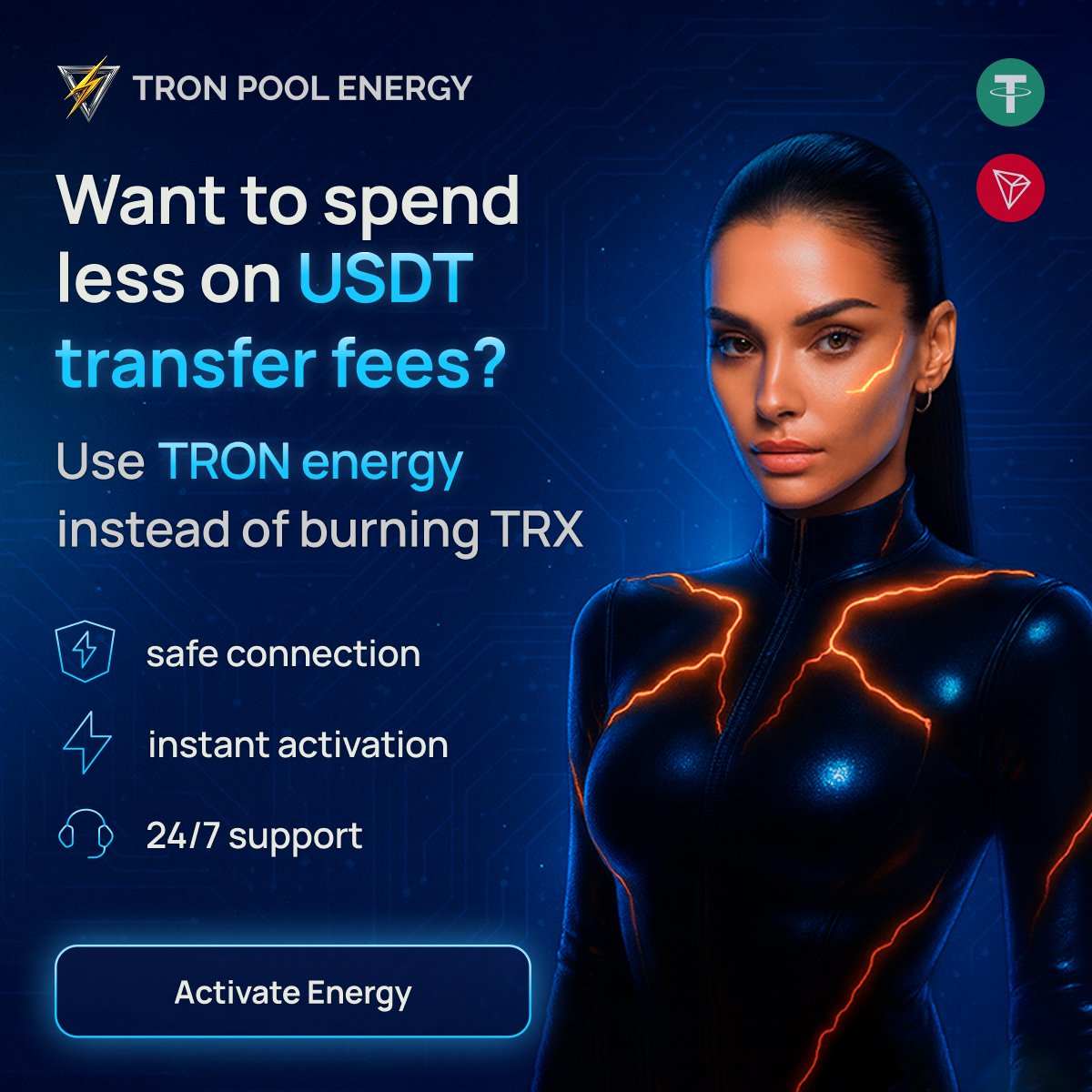
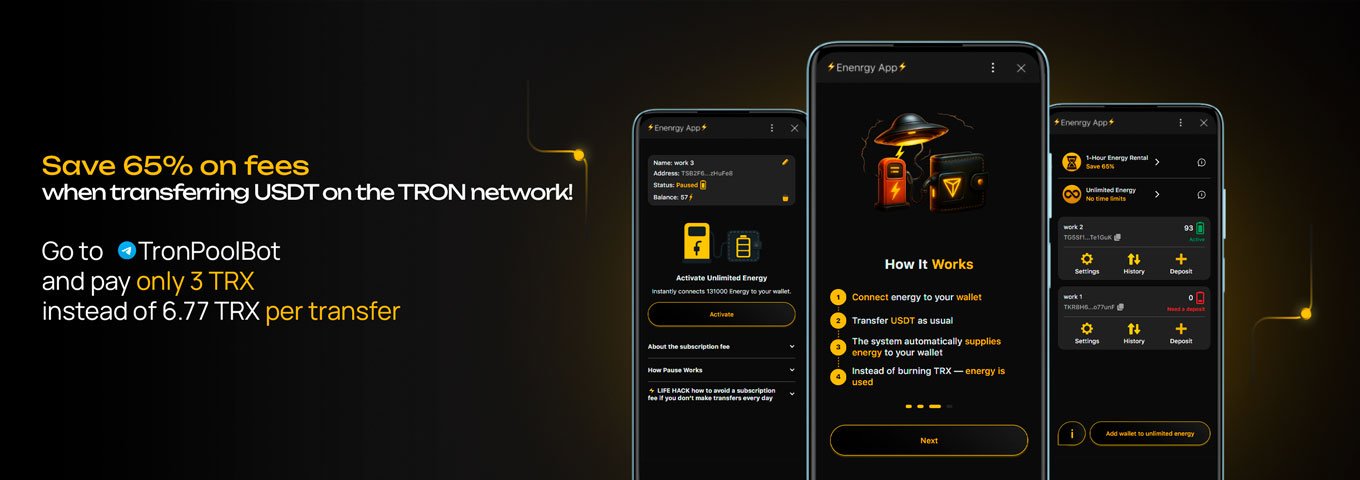
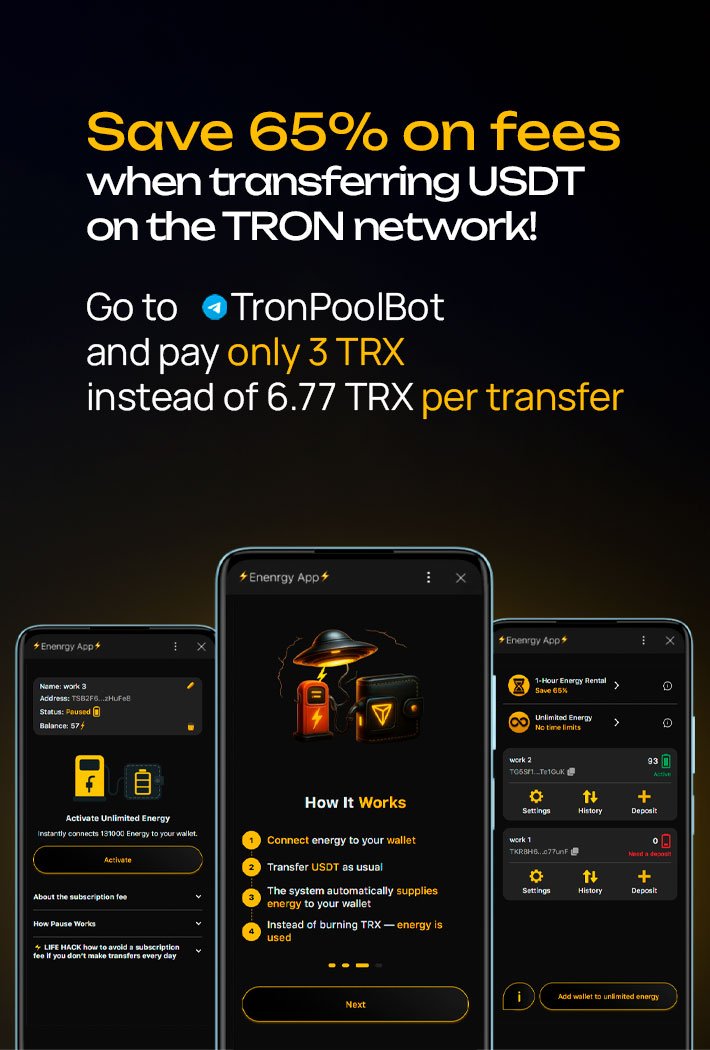
Normally, sending USDT costs around 6.77 TRX, while sending to a new address can cost around 13.37 TRX.
But if you connect the required amount of Energy in advance, the cost can be reduced to 3 TRX for a regular transfer or 6 TRX when sending to a new address.
👉 Save up to 80%, and most importantly, you don’t need to keep TRX in your wallet just to send USDT.
You can use Tron Pool Energy for this.
You don’t need to connect your wallet or provide access to your funds. Simply enter the public TRON address to which the Energy should be provided.
The resource is then connected automatically.
No seed phrase. No private key. No access to your wallet or funds.
You can connect Energy through the Tron Pool Energy website or via the Telegram bot TronPoolBot.
If you’re dealing with Energy for the first time and aren’t sure how much you need for your transfer, support can help you figure it out and complete your first transaction directly in the chat.
The final cost depends on the chosen route and may include:
On the TRON network, the USDT TRC-20 fee in Trust Wallet depends on available Energy and Bandwidth and the conditions of the specific transaction. If resources are insufficient, part or all of the network expense may be deducted in TRX. With regular transfers, you can rent TRON energy to get Energy to the address in advance and reduce TRX consumption.
Therefore, it is better to compare not a single fee, but the final amount that will arrive after the sale and bank payout.
There is no single timeframe. First, the blockchain transaction is confirmed, then the service credits the deposit or processes the sale, after which the sale and fiat payout are executed.
The timeframe depends on the network, number of confirmations, service checks, selling method, and bank speed. If the blockchain has already confirmed the transfer but the deposit is not credited, check the address, network, amount, and transaction hash, and then contact the recipient service's support.
Before sending cryptocurrency, check:
For a large amount, it is useful to make a small test transfer first. A seed phrase and private key are not needed for withdrawal to an exchange, P2P, or exchange service — you must not give them to a third-party service.
Withdrawing to a card from Trust Wallet is selling cryptocurrency for fiat through a built-in or external intermediary. First, choose a suitable route, then check the network, the final amount, and the bank payout conditions.
The "Sell" feature is not available for all assets, networks, and regions. If the feature is not displayed, you can use an exchange, P2P, or an exchange service that accepts the desired cryptocurrency and supports fiat payouts.
KYC is not required by Trust Wallet for a regular cryptocurrency send from a non-custodial wallet. However, the "Sell" feature provider, exchange, P2P platform, or other service through which the asset is sold for fiat may require verification.
Yes. Depending on the region and asset, you can use the "Sell" feature, P2P, or an exchange service. In any case, to receive fiat, you need a service that accepts cryptocurrency and executes a bank payout.
Funds may not be credited automatically, and recovery is impossible in some cases. The sending network in Trust Wallet must match the network of the recipient service's deposit address.
How to Check Purchased Energy and Bandwidth in Trust Wallet and TRONSCAN
How to Make Sure Energy Has Actually Been Added to Your TRON Address? Check Your Resources in Trust Wallet and TRONSCAN in Just a Few Steps
2026-09-14
181
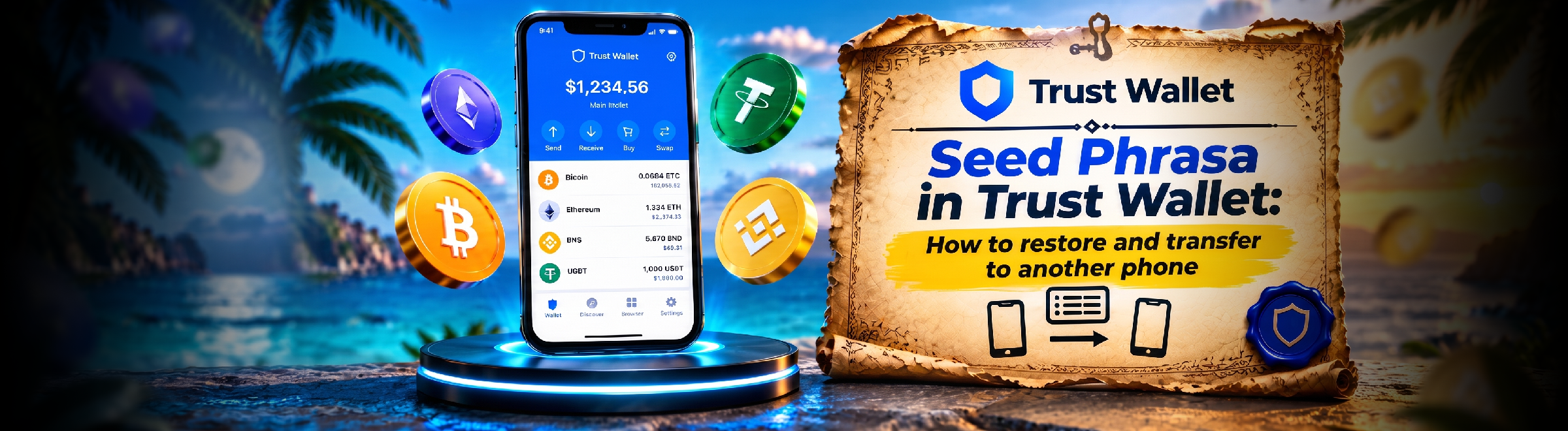
Trust Wallet Seed Phrase: How to Recover and Transfer Your Wallet to Another Phone
Where to Find Your Trust Wallet Seed Phrase and How to Recover Your Wallet? A Guide to Transferring It to Another Phone, Fixing Import Errors, and Following Essential Security Rules
2026-09-12
104
Where to Find Your Wallet Address and Wallet Number in Trust Wallet
Where to Find Your Trust Wallet Address to Receive Crypto? A Step-by-Step Guide to Selecting an Asset and Network, Copying the Address, and Using the QR Code
2026-09-10
167

Reduce USDT TRC-20 transaction fees for frequent transfers from a single wallet with no time limits

Quick activation for one-time and occasional USDT TRC-20 transfers

Fund a shared balance and distribute TRON Energy and Bandwidth across multiple wallets

Automatic TRON Energy delegation for exchanges, swap services, and payment platforms

Quick access to Tron Pool Energy services directly in Telegram

Fast USDT TRC-20 to TRX swap, no exchange or registration required

Get all the benefits of Telegram at up to 15% less than through the App Store and Google Play

Gifts, reactions, and digital content with USDT TRC-20 — no registration required

Get a custom TRON address with your name, brand, or nickname